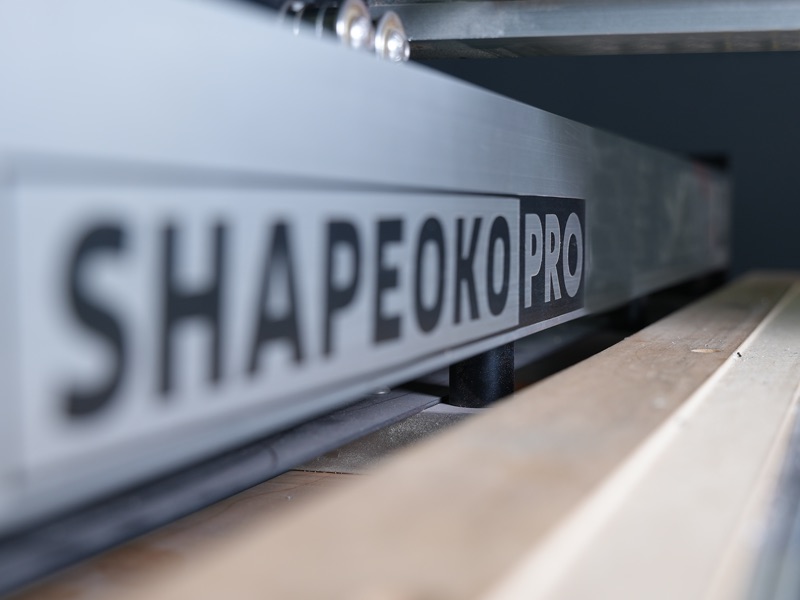
Carbide 3D Shapeoko Pro XXL CNC
Shapeoko Pro has everything you've come to love from Shapeoko, plus...
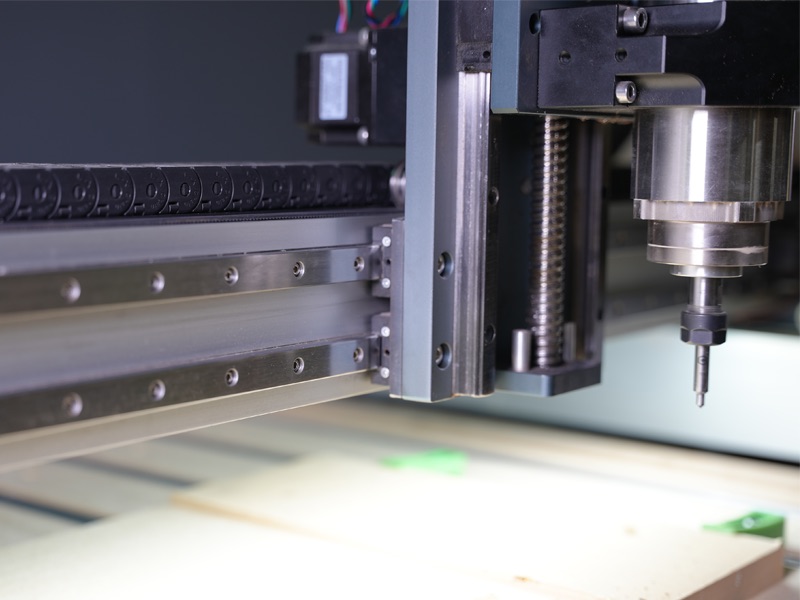
15mm Linear Rails
Linear rails provide greater rigidity than the V-wheels used on the Shapeoko 4 so you can push Shapeoko Pro harder for more productivity.
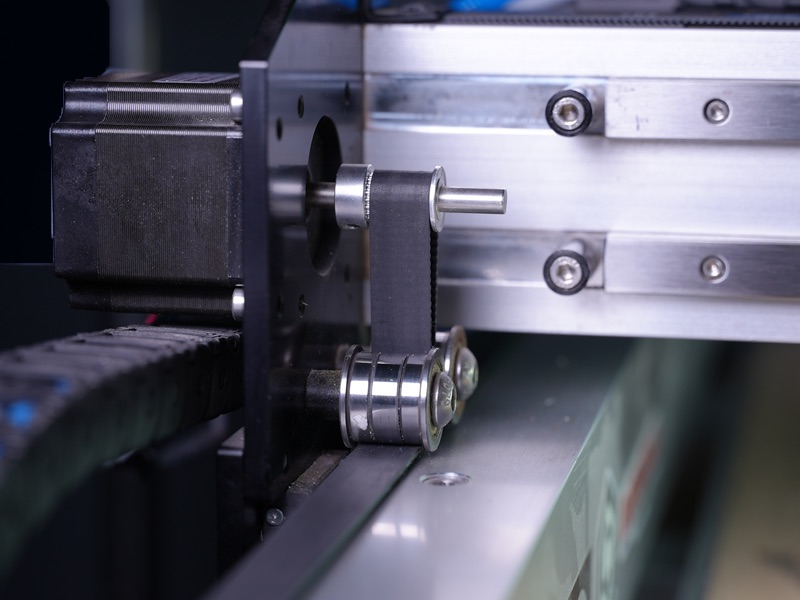
15mm Belts
Our new, wider belts are over 60% stiffer than the 9mm belts used in Shapeoko 3.
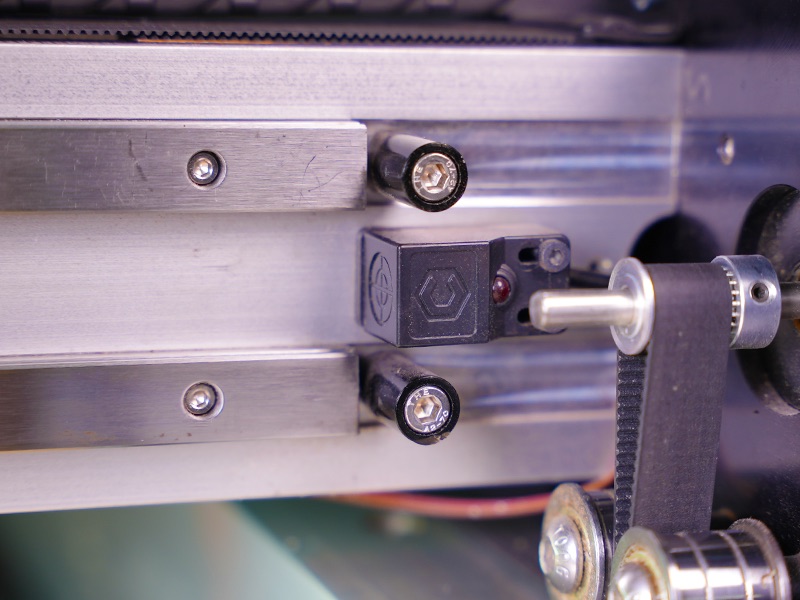
Inductive Homing Switches
No moving parts and no contact mean these switches are more durable in even the roughest environments.
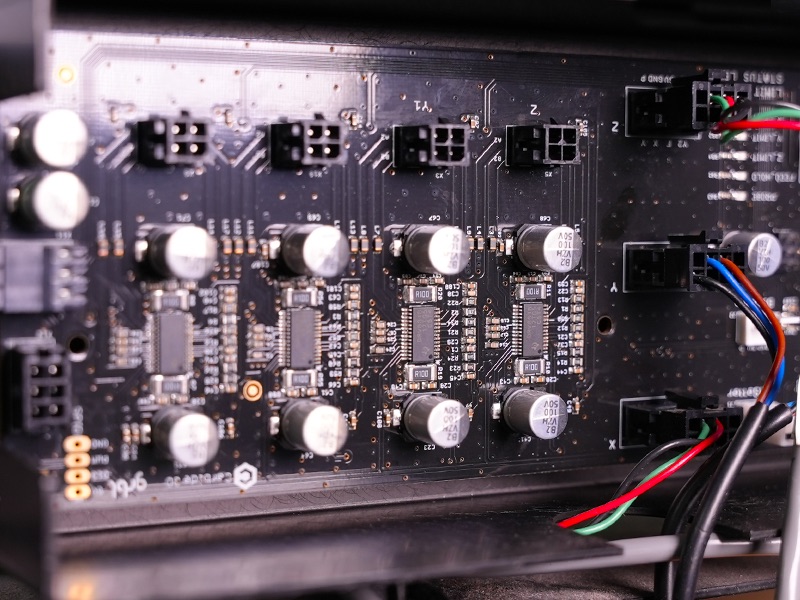
New Electronics
A shop is a difficult place for precision equipment but our new V3
electronics are more resistant to electromagnetic interference and
static discharge than ever.
Integrated T-slot Table
The Hybrid Table on Shapeoko Pro gives you almost unlimited workholding options right out of the box.
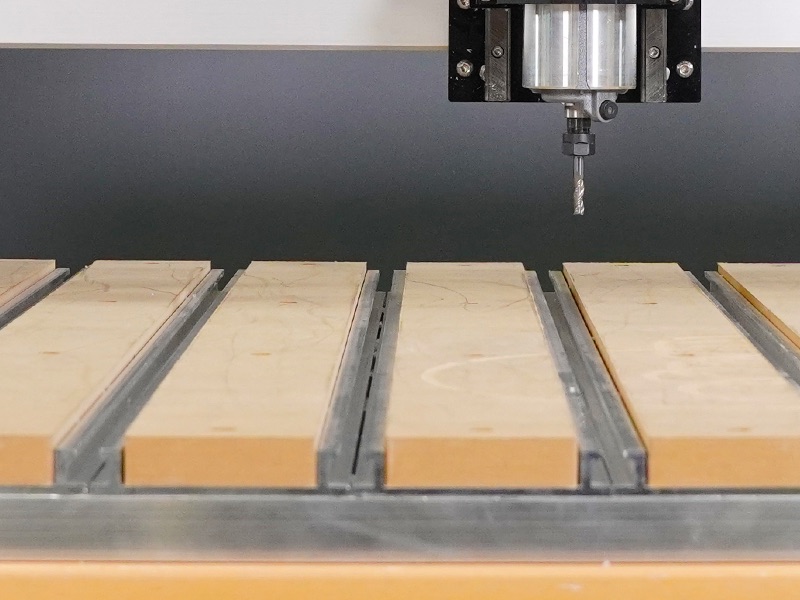
Fully-Supported Y Extrusions
Our extrusions have always been overbuilt, even for a much bigger
machine, but the Y extrusions are now fully supported by the Hybrid
Table, making Shapeoko Pro a much more rigid machine than anything we've
ever made before.
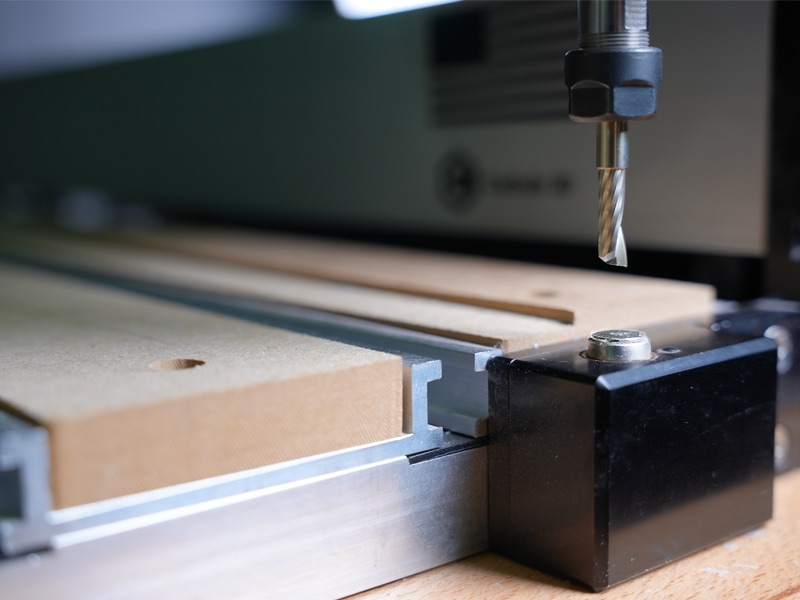
Integrated BitSetter
The BitSetter makes tool changes a breeze. You'll never want to go back to a machine without it.
Leadscrew-Driven Z-axis
Shapeoko Pro uses our Z-Plus Z-axis assembly that's leadscrew-driven with heavy-duty linear bearings.
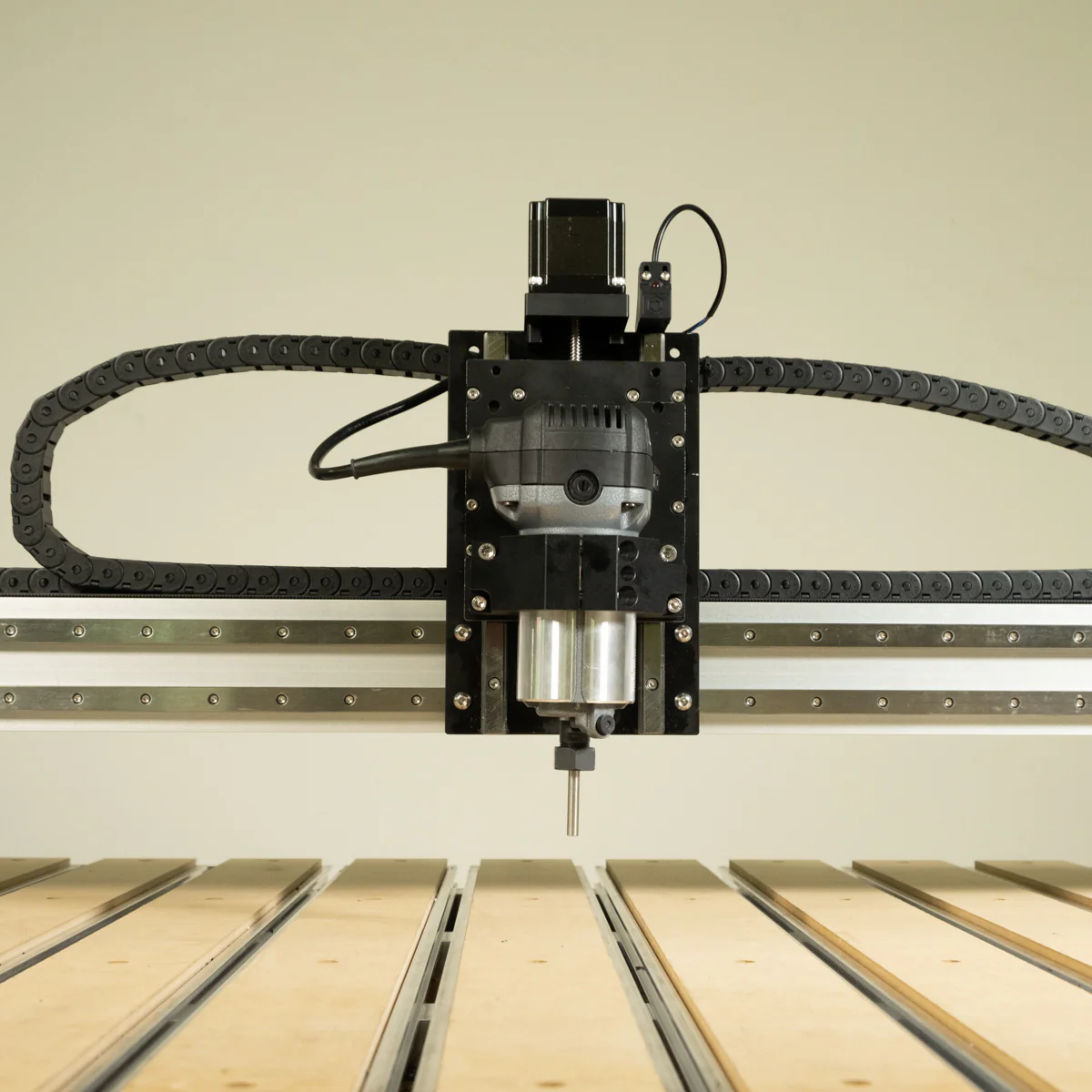
Precision-Machined End Plates
All of the plates on Shapeoko Pro are machined aluminum for better precision, and let's admit, they look way cooler.

New, More Rigid Router Mount
We made the router mount thicker to reduce deflection of the router during heavy cuts.

Dust Boot Included
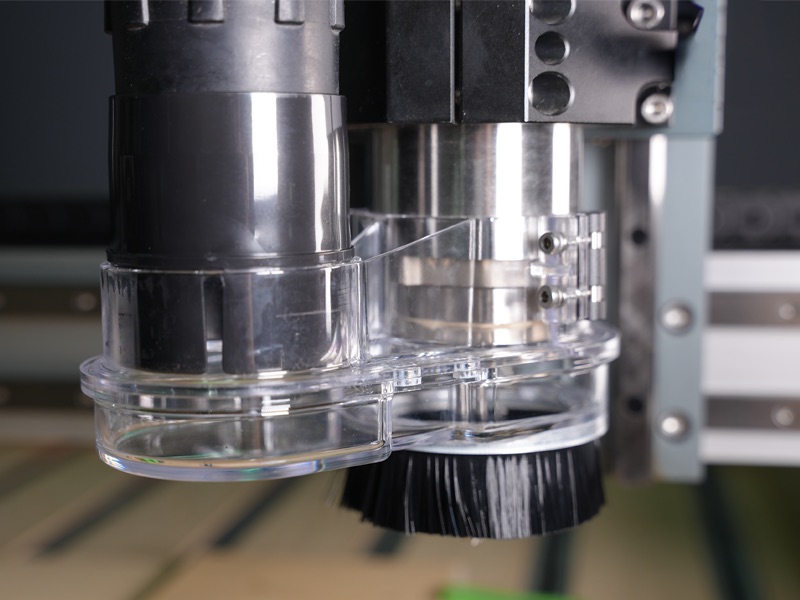
Our Sweepy 65mm V2 Dust Boot is included with Shapeoko Pro to keep your shop clean and your machine is good working condition.
CAD/CAM Software is Included
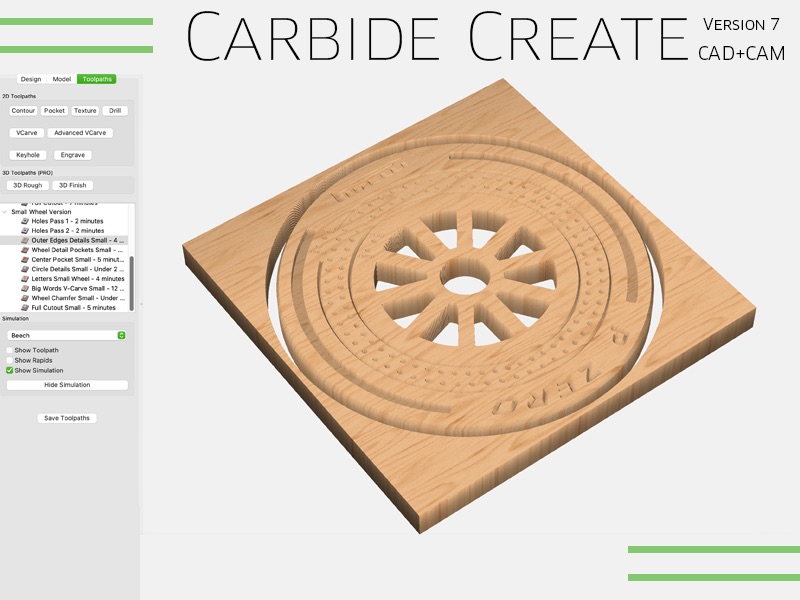
All Carbide 3D machines include Carbide Create, our full-featured 2D design and machining program, saving you hundreds of dollars on third-party software.
Whether you're starting from a blank page, or loading a design from the web, Carbide Create has everything you need for your projects. It also comes with a comprehensive video training library to get you up and running quickly.
Carbide Create runs on your Windows or Mac computer and you can install it on as many computers as you need to.
Do you have your own CAD/CAM software? No problem, our machines also accept standard G-code so you can use any software you like.
Spindles and Routers
Shapeoko Pro uses a trim router as a spindle. We recommend our Carbide Compact Router, but any router with a 65mm diameter, like the Makita RT0701C, will work.
The Carbide Compact Router is designed for 110V operation, so if you're in a country with 220V power, you should grab a Makita RT0700C locally.
If you're looking for more power, you can upgrade to our Carbide VFD Spindle.