Hi, it's Jase from MindKits.
We get asked this a lot - "should I just get the Beambox II on its own, or is the Maker's Bundle worth it?" So here's the honest rundown.
What's Actually in the Bundle?
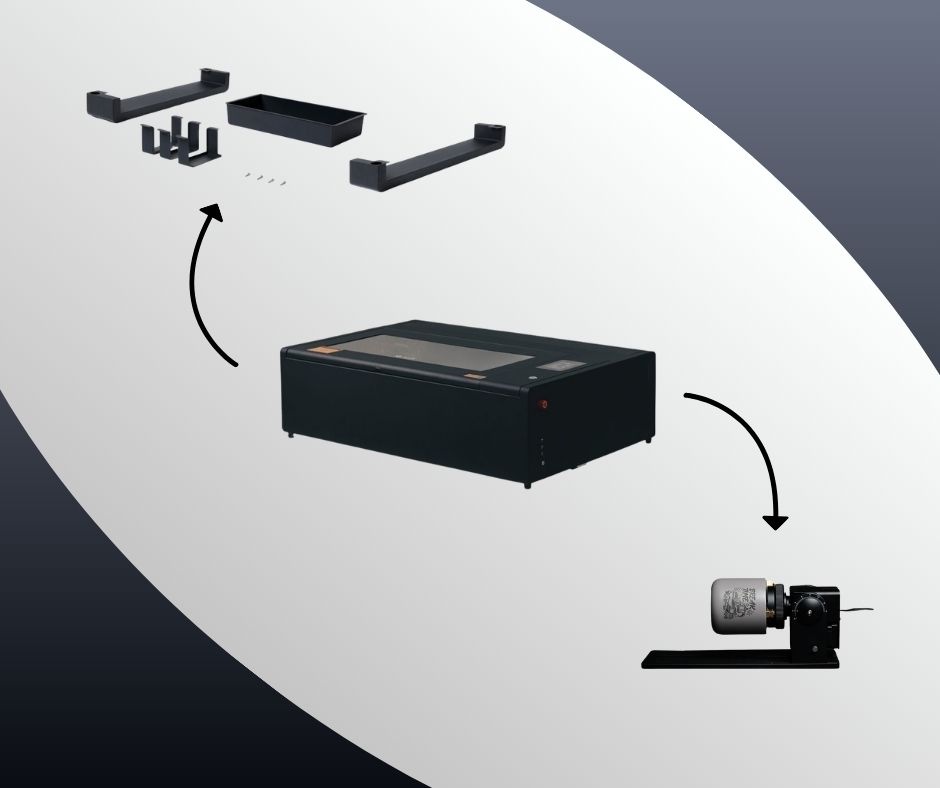
The Maker's Bundle is the FLUX Beambox II 55W CO2 laser cutter, plus the Chuck Rotary Add-on and the Extension Pocket Add-on. All in one box, $6,799.
If you buy the laser on its own ($6,335) and then add the rotary ($449) and pocket ($299) later, you're looking at about $7,083 total. So the bundle saves you roughly $280 and you don't have to muck around ordering extras later.
What Does the Rotary Actually Do?
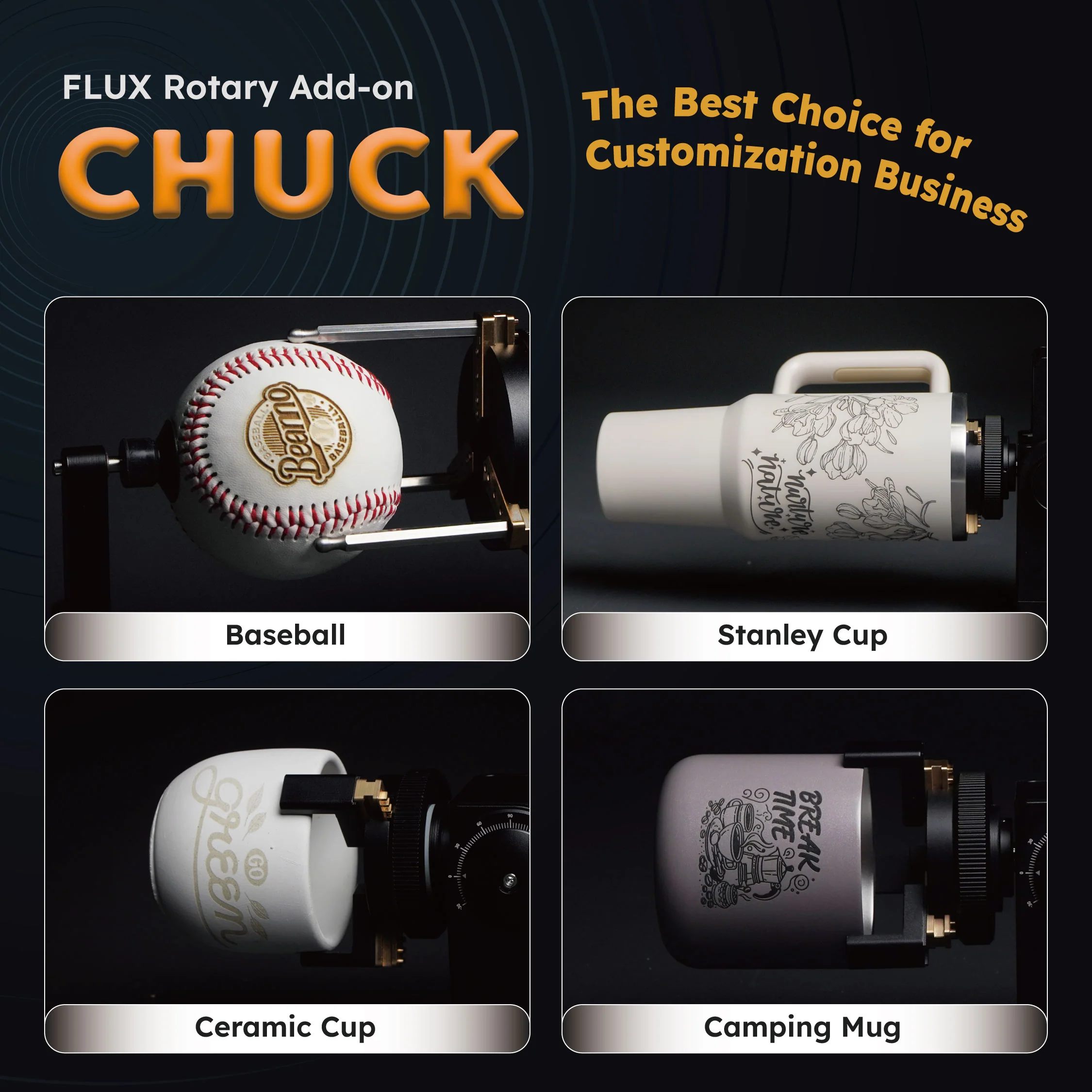
The Chuck Rotary clamps onto round objects and spins them while the laser does its thing. So you can engrave onto wine bottles, tumblers, drink bottles, mugs, rolling pins - anything cylindrical. It opens up a whole category of projects you just can't do with a flat bed alone.
We've had customers who started engraving tumblers and personalised chopping boards as a side thing, and some of them are genuinely flat out with orders now. Custom wedding favours, corporate gifts, that sort of thing. Turns out people love getting their name lasered onto stuff.
And the Extension Pocket?
The pocket drops the floor of the machine down, so you can fit thicker materials inside. Standard depth is about 125mm, but the pocket takes it to 215mm. That means you can work with chunky timber slabs, thicker acrylic blocks, or stack a rotary underneath without it getting cramped. If you're doing anything beyond flat sheet materials, you'll want it.
The Machine Itself
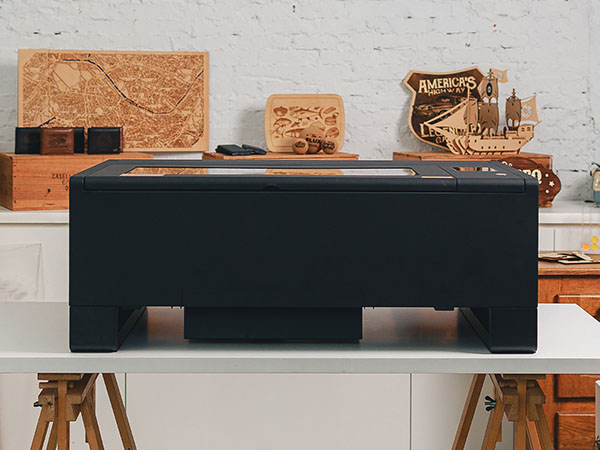
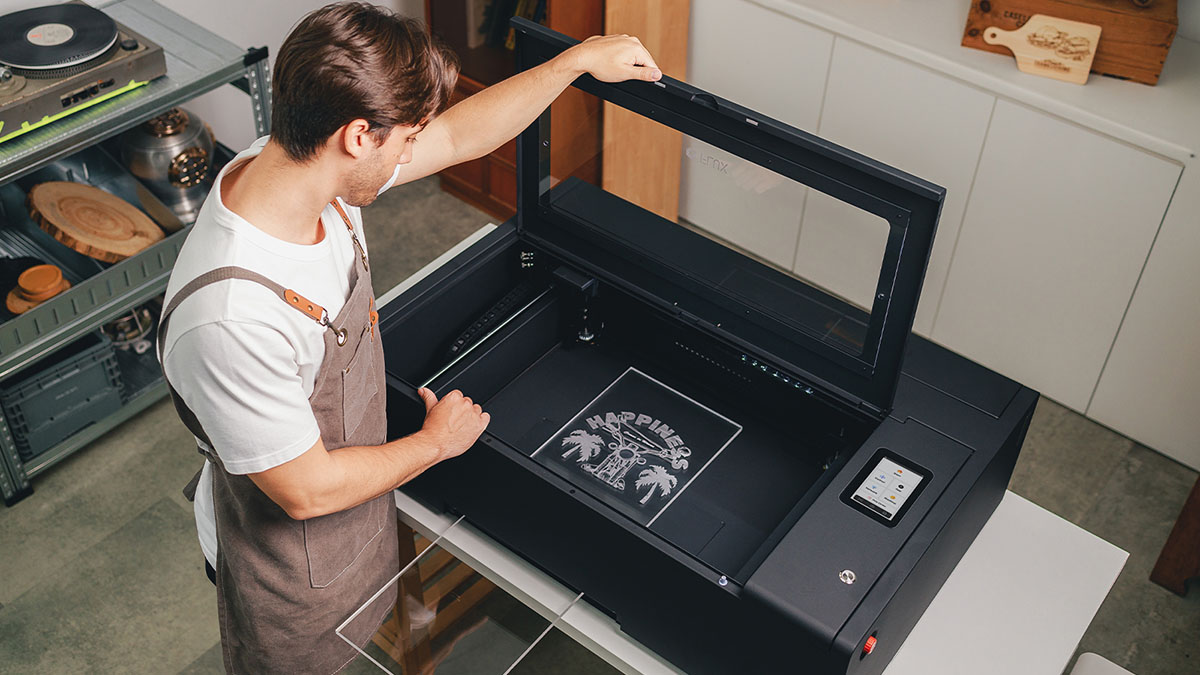
Quick specs for anyone who hasn't looked into it yet - it's a 55W CO2 laser. Work area is 600 x 375mm, which is a good size for most projects. Engraving speed goes up to 900mm/s and it handles up to 1000 DPI resolution. It'll cut through 20mm acrylic and 18mm softwood, so it's not a toy.
It's fully enclosed, sits on a desk, and has a built-in camera for previewing your layout before you fire the laser. Autofocus too, so you're not faffing about with manual adjustments. Works with LightBurn out of the box.
Why Now?
It's the middle of winter, which means it's the perfect time to be in the workshop getting set up. A lot of people making things for markets start their prep around now so they've got stock ready for the spring and Christmas rush. If you've been thinking about it, getting sorted now gives you a few months to learn the machine and build up inventory before things get busy.
We stock these locally in Auckland so it ships fast. And if you get stuck with anything, we're here to help - that's kind of our thing.
Have a look at the Maker's Bundle here, or if you just want the Beambox II on its own, that's on the site too.
Give us a yell if you've got questions.
Jase