Hi, it's Jase from MindKits.
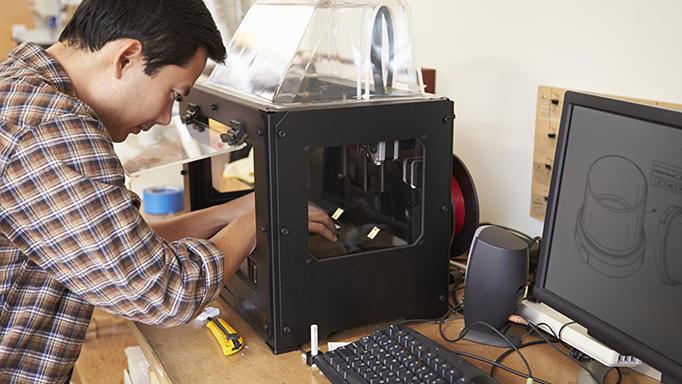
Every year around this point in Term 3 I get the same phone call. A school has a 3D printer, it's sitting in a cupboard or on a bench under a dust sheet, and the teacher who actually knew how to drive it has moved on to another job. Now someone else has inherited it and nobody's keen to be the one who wrecks it in front of a full class.
Happens heaps. It's not a school thing either - I get the same call from businesses who bought a machine for one project, finished the project, and then let it go quiet for eight months. The gear's fine. The confidence is the bit that's missing.
What actually happens in a training session
An hour on Google Meet with me is $195, and we work on the machine you've actually got in front of you. Not a generic slideshow. We'll go through the hardware, the maintenance bits that stop most of the common failures, filament types and why the wrong one makes your life hard, the slicer, and what to do when a print peels off the plate halfway through overnight.
Most people find the maintenance section the useful part. A lot of "my printer's broken" turns out to be a clogged nozzle or a plate that hasn't been washed since it came out of the box.
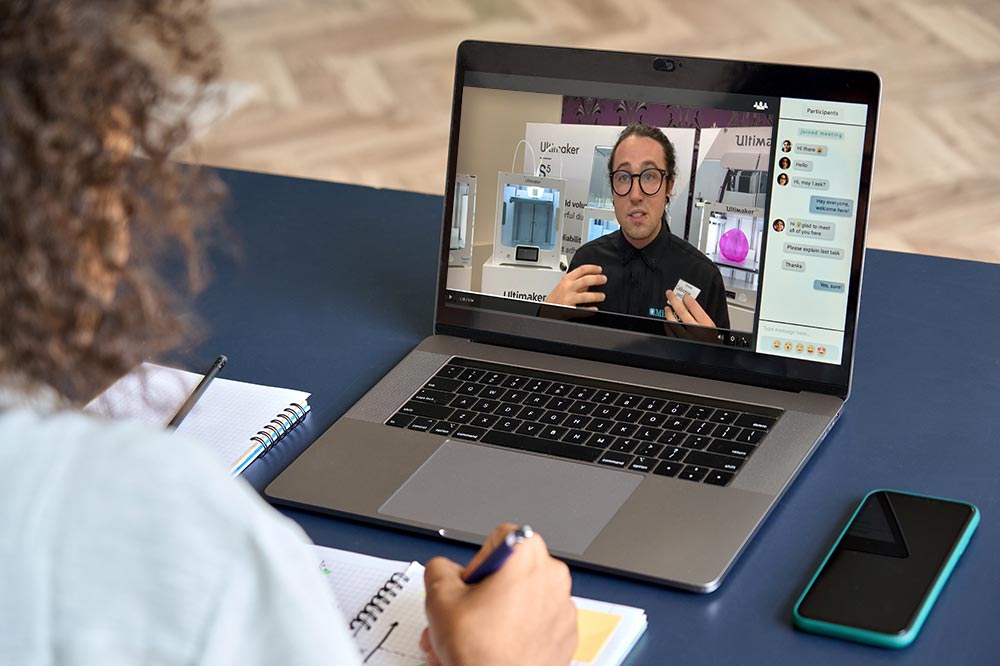
If you'd rather have someone in the room, on-site training is $390 for the hour. For schools that's often worth it because you can get a few staff around the machine at once and everyone asks their own questions.
There's also an intro to TinkerCAD session, $195 for the hour. Teachers ask for that one more than anything else, and it makes sense - kids can't print anything until they can model something. TinkerCAD's free, runs in a browser, and works on the Chromebooks most schools already have.
If you just want a quick hand getting a new machine out of the box, the onboarding session is $65, and a 30 minute remote troubleshoot is also $65.
We don't care where you bought it
Worth saying plainly: we'll train you on any machine, even if it didn't come from us. A good chunk of the printers I've helped with this year were bought somewhere else, sometimes years ago. Doesn't bother us one bit. A printer sitting idle in a storeroom isn't doing anyone any good, least of all the students who could be using it.
And if the machine really is crooked rather than just intimidating, we do repairs too. A diagnosis is $30, a routine service on a Bambu A/P/X/H or Ultimaker S series is $165 plus any parts, and on-site service around Auckland metro is $360 including travel.
Give us a ring on 09 367 7474, or fill in the form on the services page and tell us what you've got and what you want to do with it. We'll sort you out.
Jase