3D scanning used to mean a room-sized machine, a specialist operator, and a bill that made you wince. If you wanted to reverse-engineer a part, capture a sculpture, or bring a real-world object into your CAD workflow, you were looking at a significant investment - or outsourcing the job entirely.
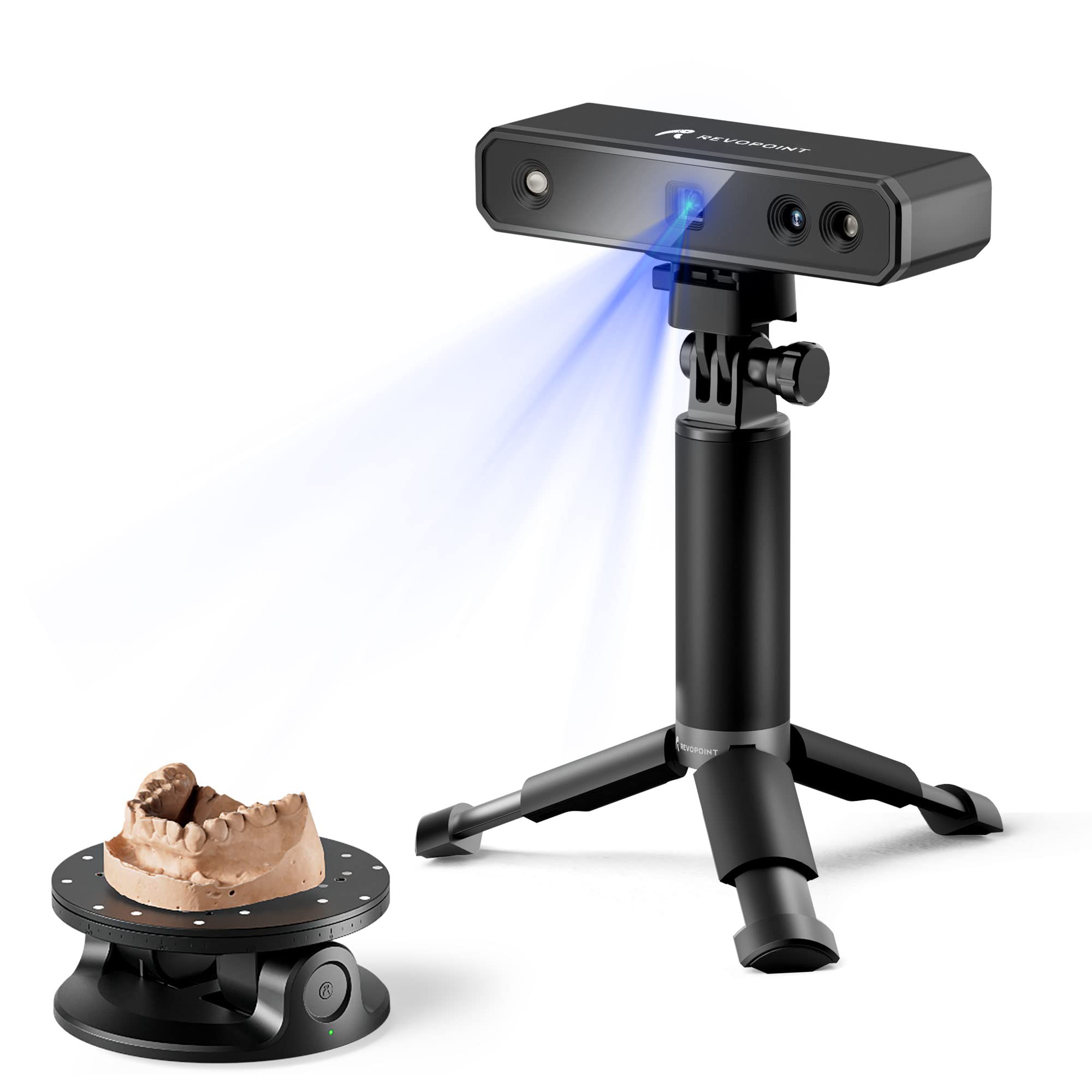
That's changed a lot. Over the past few years, a new generation of handheld and desktop 3D scanners has made this technology genuinely usable for everyday makers, small businesses, educators, and product developers. We've been watching the space closely, and we think it's finally time to talk about it properly.
---
WHAT MAKES A 3D SCANNER ACTUALLY USEFUL?
There are three things that have historically held 3D scanning back for everyday users:
1. Accuracy - early consumer scanners produced meshes full of noise and holes, making them frustrating to work with downstream in any serious modelling software.
2. Speed - slow scan times meant fidgety objects, people, or anything that moved slightly became a mess.
3. Software - the hardware might work, but if the bundled software was painful, the workflow collapsed.
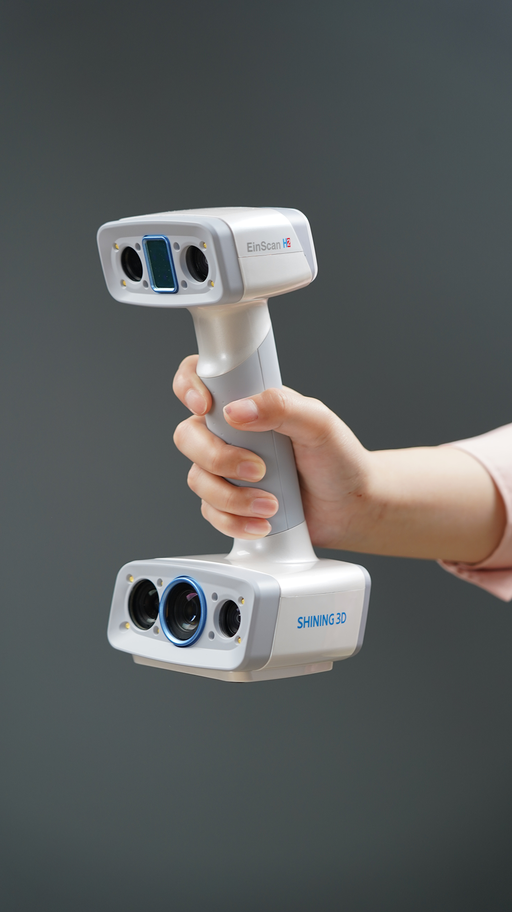
The current generation of scanners - particularly from 3DMakerPro and Shining3D - have made genuine progress on all three. We're not saying every $400 scanner is a professional metrology tool. But for applications like reverse engineering parts for custom fabrication, capturing organic shapes for digital sculpting, creating assets for AR/VR or games, archiving heritage objects, artworks, or prototypes, and quality inspection on production runs - there's now real capability at accessible price points.
---
WHAT WE CARRY AND WHY
We stock scanners from two brands we've specifically chosen: 3DMakerPro and Shining 3D (EinScan/Einstar).
3DMakerPro - Compact and approachable
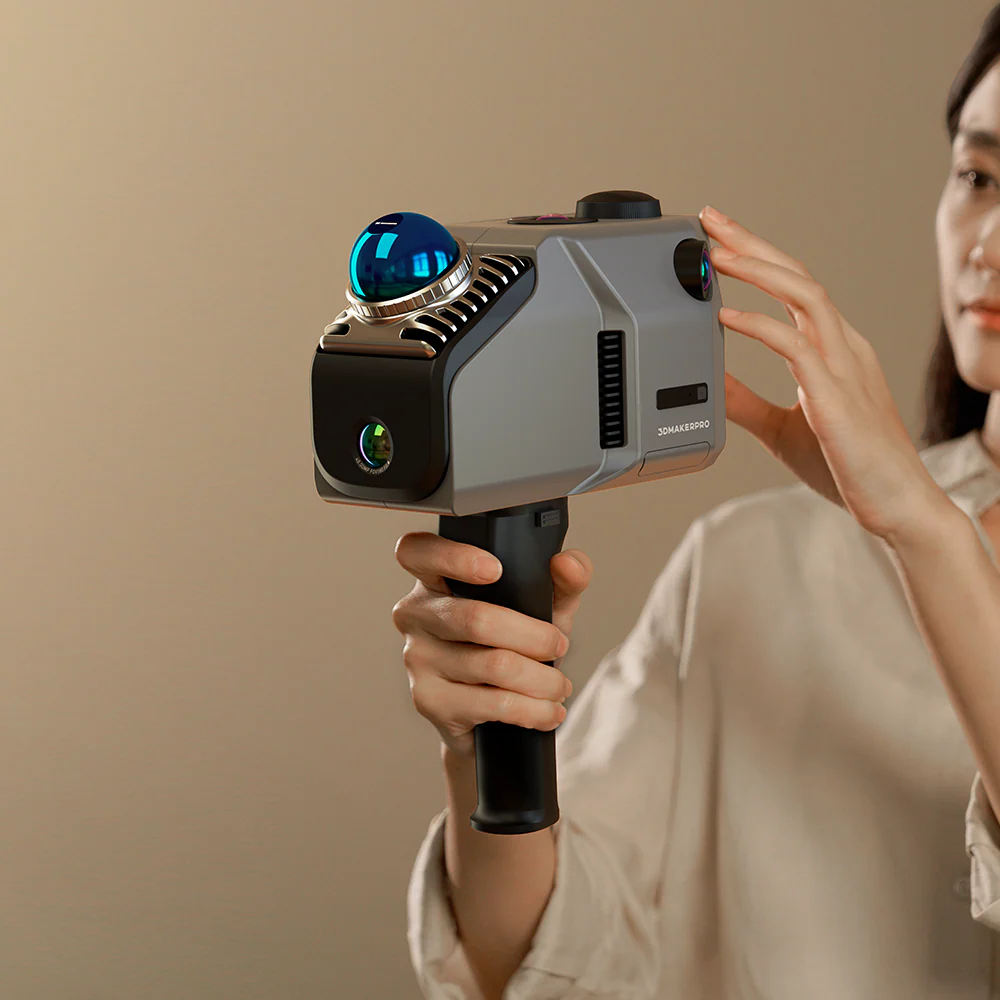
3DMakerPro focuses on the small-to-medium object segment - things up to roughly 300mm. Their flagship Seal scanner hits 0.01mm accuracy for detailed work, while the Toucan opens up to full-body or large-object scanning with its dual-range system.
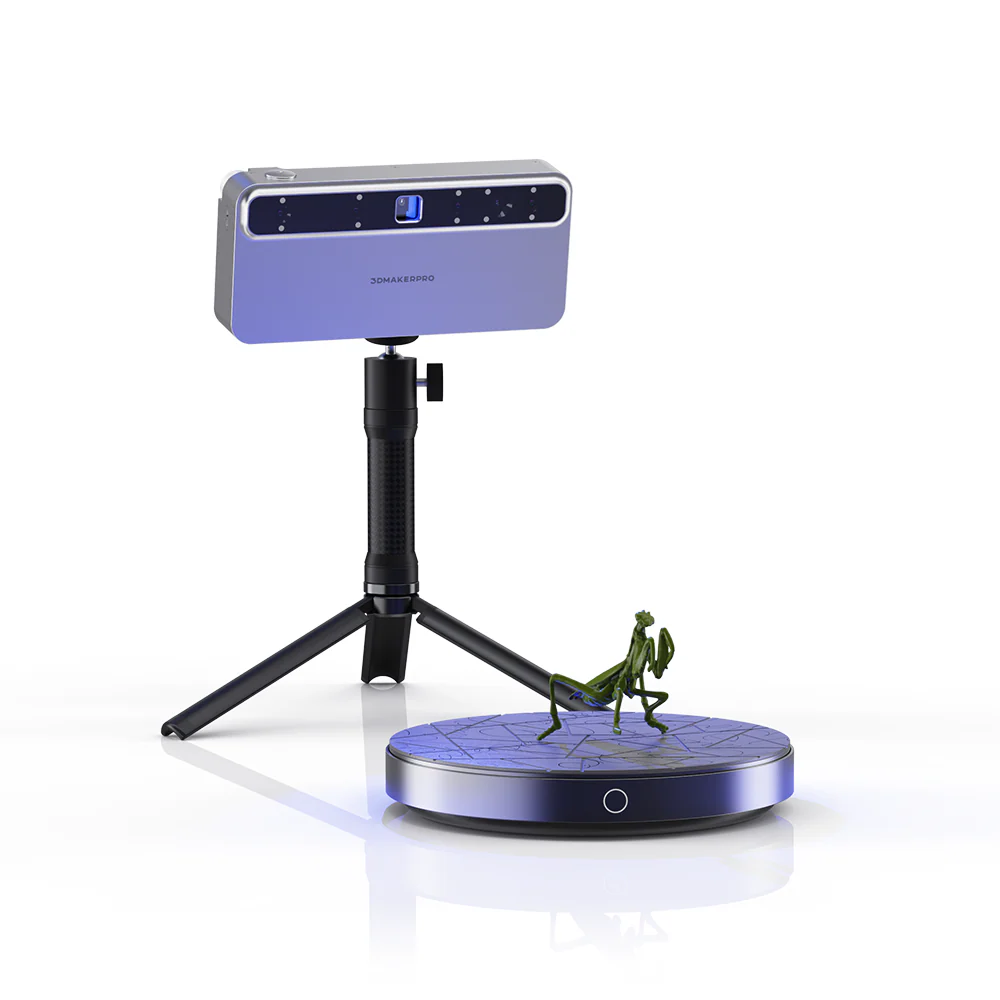
The Smart Grip accessory turns your phone into the display and control interface for the scanner - which sounds gimmicky until you've tried to use a laptop in a workshop or on-location. It actually removes a meaningful friction point.
3DMakerPro's software (JMStudio) has improved substantially over the last few updates - alignment, hole-filling, and export are all solid for the price point.
Shining3D (Einstar/EinScan) - Proven industrial pedigree in a portable format
Shining3D is a Chinese company with deep roots in professional scanning - their EinScan industrial line is used in automotive and aerospace environments. The Einstar line brings that pedigree into a more accessible, prosumer format.
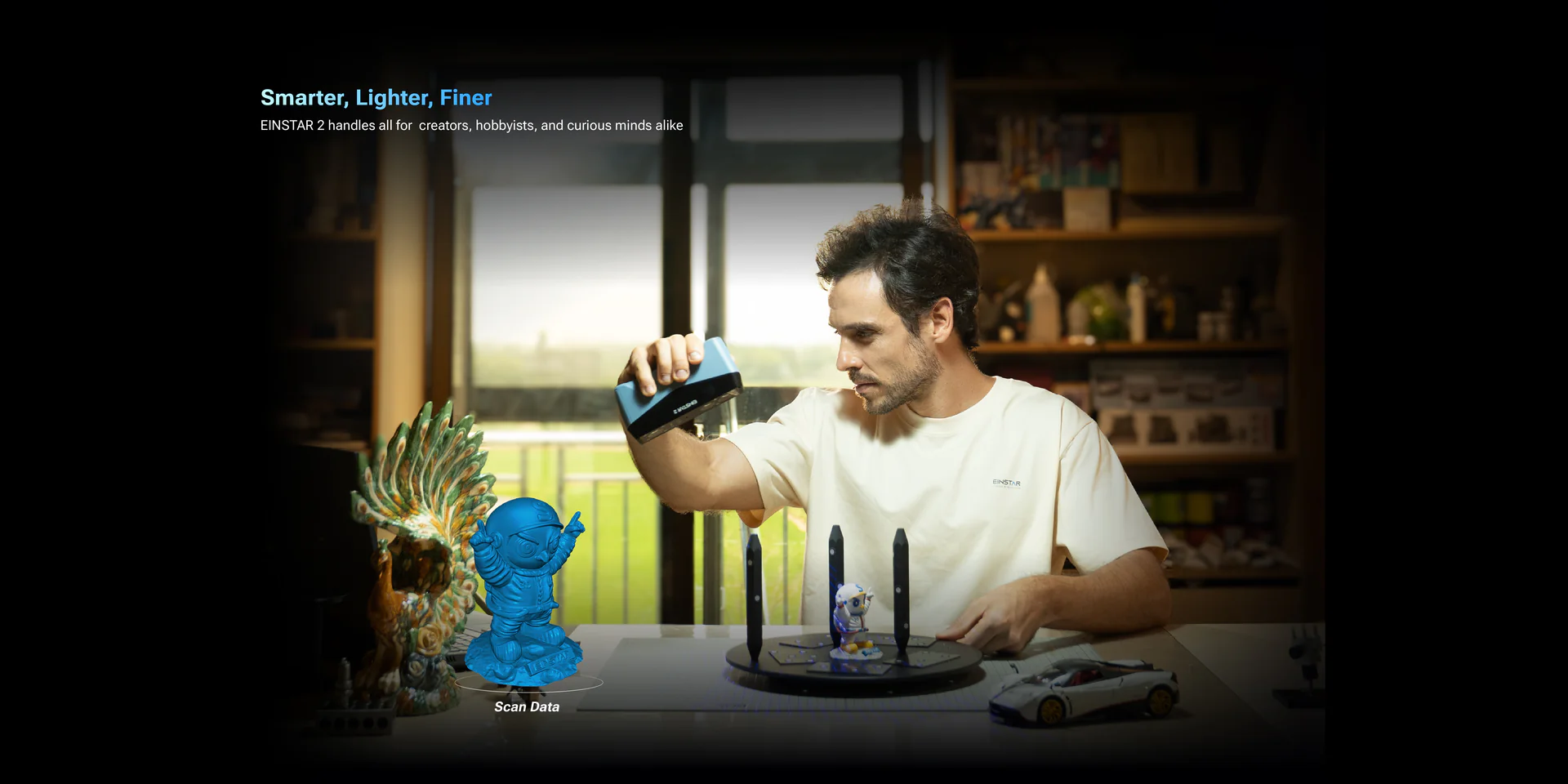
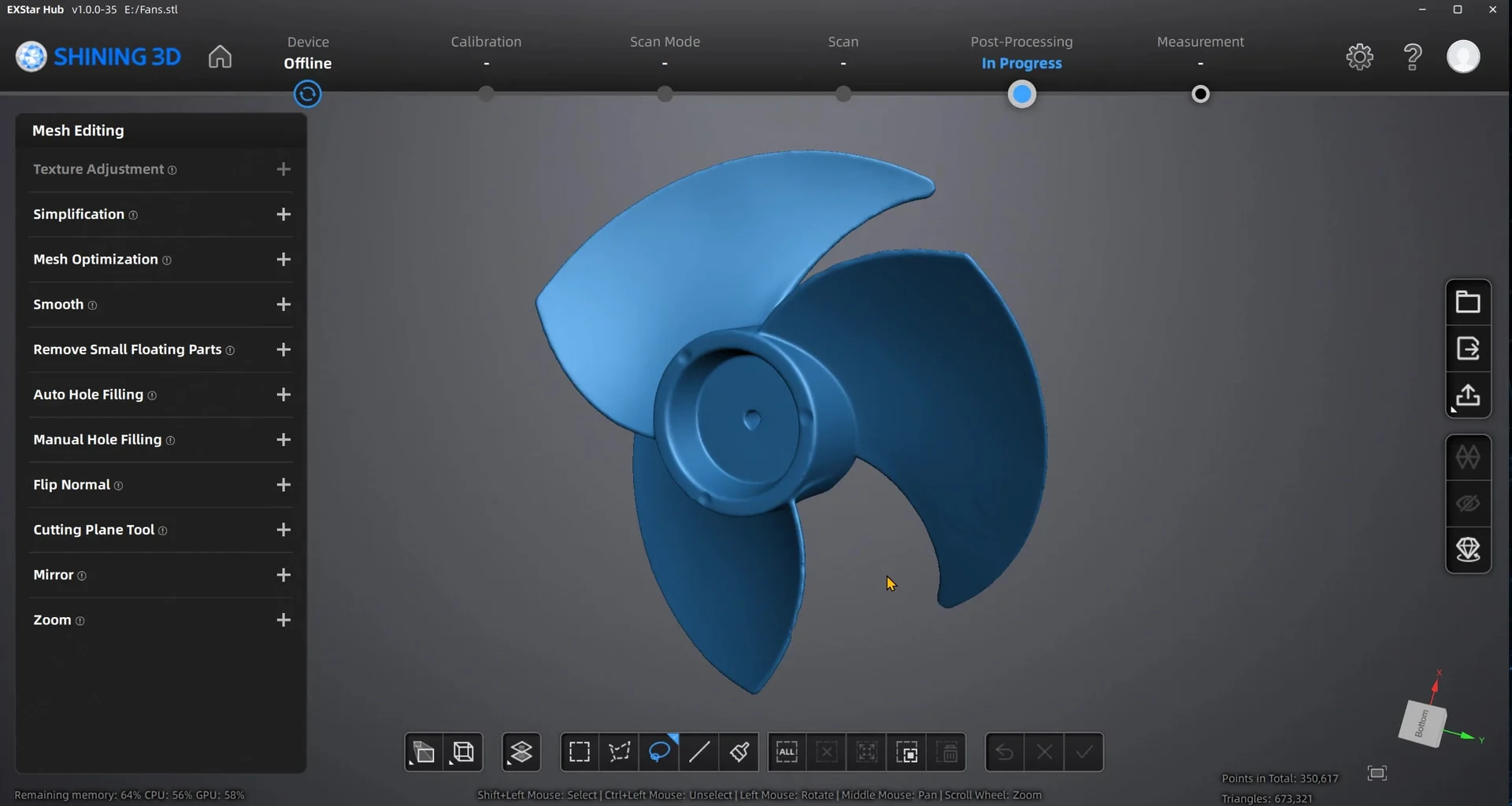
The Einstar 2 is their latest consumer-focused model: wireless, fast at up to 1.5 million points/second, and built around their EXStar Hub software platform. The fact that it runs untethered is a bigger deal than it sounds - scanning complex or large objects without cable management is genuinely more pleasant.
The Einstar Rockit is a pocket-sized form factor - genuinely small, designed for fieldwork, reverse engineering on-site, or scanning where portability matters more than scanning volume.
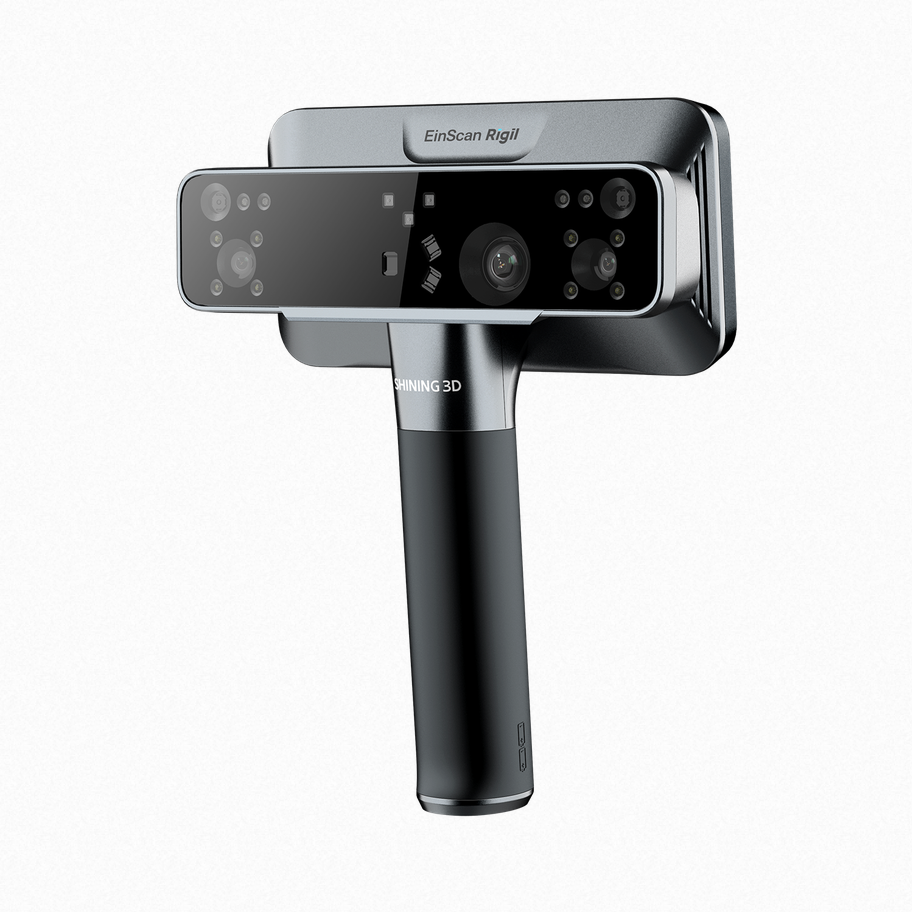
For businesses needing more capability, the EinScan Rigil series steps up to tri-mode scanning (structured light, laser, and photogrammetry), industrial-grade accuracy, and the full EXStar ecosystem.
---
WHAT'S ACTUALLY CHANGED ABOUT THE TECHNOLOGY?
A few things worth understanding if you're new to 3D scanning:
Structured light vs laser scanning - most prosumer scanners use structured light (projecting a known pattern and measuring deformation). Newer models use infrared VCSEL arrays which are faster, eye-safer, and less affected by ambient light than older LED-based systems.
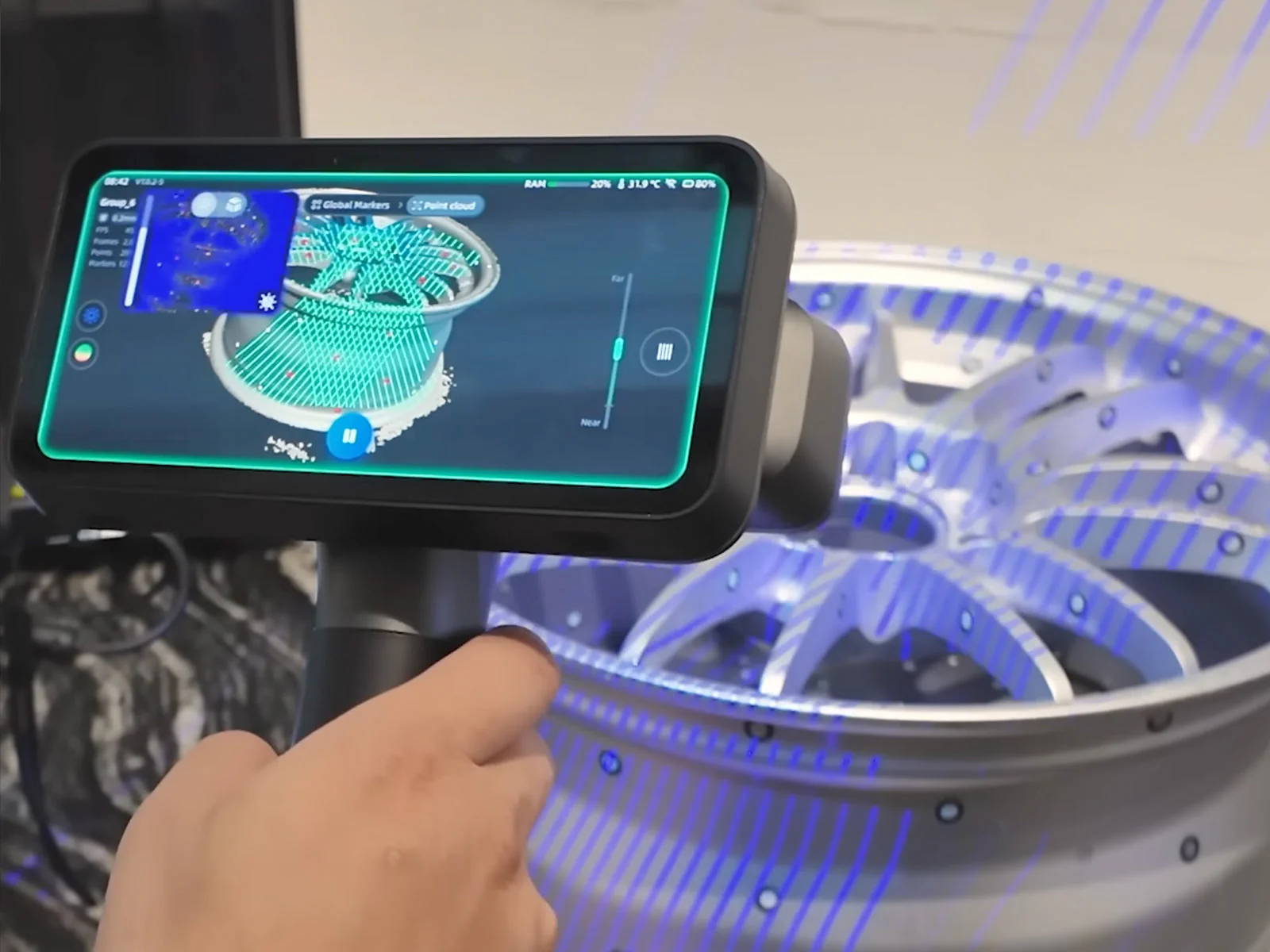
Photogrammetry integration - some scanners now blend photogrammetry (camera-based point cloud generation) with active scanning, giving you better colour texture capture alongside geometric data.
Software pipelines - the bottleneck used to be software. Tools like JMStudio and EXStar Hub now handle scan merging, hole filling, noise reduction, and format export (OBJ, STL, PLY, STEP in some cases) far more gracefully than their predecessors.
Wireless operation - removing the tethering constraint sounds minor but genuinely changes how you can work with larger objects, awkward geometries, or in field environments.
---
WHO IS THIS FOR IN NZ?
We see the clearest use cases as:
- Product designers and engineers needing to digitise existing parts for redesign or manufacture
- Artists and sculptors wanting to bring physical work into digital mediums
- Educators - 3D scanning is a natural companion to 3D printing in the school environment, and the workflows teach real spatial reasoning and digital manufacturing concepts
- Fabricators and trades - reverse engineering custom brackets, panels, or fittings is surprisingly common
- Heritage and archival - museums, iwi collections, and cultural institutions have used 3D scanning for documentation and digital preservation
---
THINKING ABOUT GETTING ONE?
We're happy to talk through what makes sense for your application - scanner choice depends a lot on object size, material (shiny and dark surfaces are still challenging), accuracy requirements, and whether you need colour texture or just geometry.
If you're in Auckland, we also have demo units available - scanning is one of those things that's much easier to understand in person than on a spec sheet.
Browse our 3D Scanner range: https://www.mindkits.co.nz/3DScanning.aspx