MindKits support guide | Updated 21 October 2026
Bambu nozzle clogged or heat creep? How to tell which one you have
Applies to:A1 seriesP1 seriesX1 seriesP2SH2 seriesTopics:Nozzle clogHeat creepUnder-extrusionCold pull
A clogged nozzle and heat creep both stop filament flowing, but they happen in different places and need different fixes. A clog is a blockage at or near the nozzle tip, so flow is weak or absent even when the printer is cold and fresh. Heat creep is filament softening too high up, above the hot zone, usually partway through a PLA print in a warm, closed printer, so it jams the extruder rather than the tip. One manual extrude test tells you which way to go, before you buy a new hotend.
Written from real MindKits support cases
Which machines this applies to
- A1 and A1 mini (open frame)
- P1P, P1S and P2S
- X1 Carbon and X1E
- H2 series, including the dual-nozzle H2D
The diagnosis is the same on every model, but the hotend release, cleaning tools and menus differ. Follow the official Bambu Lab wiki clog cleaning page for your exact printer for the physical steps. Hotends are not always interchangeable between series, so check the model name.
Symptoms
Points towards a nozzle clog
- Thin or patchy lines from the first layer onwards.
- Filament curling back up around the nozzle as it comes out, rather than dropping straight down.
- Nothing comes out at all, even after a fresh load.
- Trouble began right after changing material, especially TPU to PLA, PLA to PETG and back, or after a fibre-filled filament.
Points towards heat creep
- The print starts well, then extrusion fades or stops some way in.
- PLA (or TPU) in an enclosed printer with the door and lid shut, often on a warm day.
- When you unload, the filament end is swollen, mushroomed or flattened by the drive gears.
Extruder clicking and overload messages can come from either. MindKits technician note: in the cases we see, clicking during a clog is usually a secondary symptom of material not being able to push through the hotend, so clear the blockage first rather than chasing the extruder.
Stop points
Read before you start.
- The nozzle and heater block can cause serious burns. Keep fingers away from the tip and heater when hot.
- Turn the printer off at the switch before removing the hotend, opening the print head or touching any cable or connector. Bambu Lab gives the same warning: working on connectors while powered can short the electronics.
- Do not take the heater, thermistor or heater block apart. MindKits technician note: we have seen a customer cut the temperature sensor wire while clearing a major clog, which turned a cleaning job into a parts job.
- Never force filament through a blockage, and never drill or ream the nozzle.
- No work on mains wiring, the power supply or circuit boards. That is workshop-only.
Work through these checks in order
Each step is low risk. Stop as soon as you find the cause.
1. Record what happened
Note the exact error wording, the filament, whether the door and lid were open, and how far into the print it failed.
2. Do the manual extrude test
Heat the nozzle to the normal printing temperature for the loaded material (the official troubleshooting page suggests slightly above), then extrude a little using the controls on the screen. Healthy flow drops straight down in a smooth, continuous strand. Thin, rough or curling output points to a partial clog. No output at all is a full blockage or a jam above the nozzle.
A starting point, not a confirmed diagnosis. The manual extrude test separates a clear path, a partial clog and a full blockage, and the filament end tells you whether heat creep is involved.
3. If it extrudes cleanly, look at heat
A clean strand now, after a failure partway through a print, is classic heat creep. Bambu Lab's heat creep article names PLA as the most common culprit, with a hot chamber, hot bed or hot room all adding to the risk. Their advice for PLA on the P1S, and on the X1 series when not using the Cool Plate, is to print with the front door open and/or the top cover removed. MindKits technician note: printing PLA with the door closed on warm days is the heat creep pattern we see most.
4. Check the hotend fan and the hotend fitting
With the nozzle cold, watch the hotend cooling fan once the nozzle starts heating. A stalled or noisy fan lets heat climb into the cold side and mimics heat creep even in a cool room. Also check the hotend is fully seated and locked in place. MindKits technician note: a hotend clip or gate that is not holding firmly lets the hotend move as it heats, which causes extrusion trouble that looks like a clog.
5. Clear a partial clog with the cleaning needle
Use the nozzle cleaning needle supplied with your printer, following the official clog cleaning page for your model. MindKits technician note: the approach we recommend is to load material and, with the nozzle hot, gently push the needle up from the tip to get flow going again.
6. Do a cold pull
A cold pull draws residue out on the end of the filament. Use the official cold pull guide for your model and its temperatures for the filament you pull with (the H2 series has an onboard routine). It may not work until a full blockage is cleared first.
7. Clear a heat creep jam in the extruder
If the filament end is swollen or flattened, the jam is above the nozzle. Power off and follow the official extruder clog guide for your model to cut and remove the deformed section. Then fix the cause from step 3.
8. Swap in a known-good hotend
A spare hotend is the fastest test. Good flow with it proves the old one was blocked. MindKits technician note: when a customer has swapped the nozzle and still gets the same result, we treat a blocked nozzle as ruled out and look at the extruder, the hotend fan or the heating side instead.
When to swap the hotend instead of cleaning
- The needle and repeated cold pulls have not restored a smooth strand.
- The nozzle is visibly damaged, bent after a crash, or worn after abrasive or fibre-filled filament.
MindKits technician note: we often recommend ordering a replacement hotend rather than spending hours cleaning one, and if you swap regularly between TPU and other materials, keeping a dedicated hotend for TPU avoids a lot of partial clogs.
Likely causes and what points to them
Based on patterns in our support cases. Treat these as starting points.
| What you observe | Likely cause | Confidence | Who does the work |
|---|
| PLA fails partway through, door and lid closed, warm room | Heat creep from chamber or room temperature | Strong | You: open door or lid, clear the extruder jam |
| Thin or curling strand on the extrude test | Partial nozzle clog | Strong | You: needle and cold pull |
| Trouble began after switching between TPU, PLA and PETG | Residue of the previous material in the nozzle | Strong in our cases | You: cold pull, or a dedicated hotend |
| Swollen or flattened filament end when unloaded | Filament softened above the hot zone | Strong | You, using the official extruder guide |
| Heat creep symptoms in a cool room | Hotend cooling fan not spinning properly | Moderate | Confident owner, or us |
| Extrusion trouble plus a hotend that moves when hot | Hotend not seated or retention clip not holding | Moderate | Reseat it, or contact us |
| Clogs return after printing fibre-filled filament with a small nozzle | Particles building up in the nozzle | Strong | You: larger nozzle, hardened hotend |
| No flow even with a known-good hotend | Extruder, heating or electronics fault | Needs testing | MindKits |
Preventing repeat clogs
- For PLA in an enclosed printer, follow Bambu Lab's advice on door, top cover and build plate for your model, and do not cover or muffle the chamber exhaust fan.
- Dry filament before use, especially PETG, even when new. Our PETG, ABS and ASA guide covers moisture symptoms.
- Do a cold pull when switching materials, and always before TPU.
- Bambu Lab advises against a 0.2 mm nozzle for fibre-filled filament. Use a larger hardened nozzle.
- Do not push flow beyond what the hotend can melt. Bambu Lab notes that exceeding maximum volumetric speed often causes clogs.
What to send us
- Printer model, hotend size and type, and how long you have had it.
- The exact error or HMS wording.
- A short video, with sound, of the manual extrude test.
- A photo of the unloaded filament end.
- Filament type and brand, the material printed before it, and whether the door and lid were open.
- What you have tried, and the result of each.
Frequently asked questions
How do I know if my Bambu nozzle is clogged?
Heat the nozzle and extrude by hand from the screen. If the strand is thin, rough, curls back up or nothing comes out, the nozzle is partly or fully blocked.
What does heat creep look like on a Bambu printer?
Usually a PLA print that starts well, then fades or stops partway, in a closed printer on a warm day. The unloaded filament end is often swollen or flattened.
Is a cold pull or the cleaning needle better for an A1 nozzle clog?
Try the needle first on a partial clog, then a cold pull to remove what is left. If neither restores a smooth strand, a replacement hotend is usually quicker than more cleaning.
Can under-extrusion be caused by something other than a clog?
Yes. A tangled spool, worn PTFE tube, worn extruder gears or the wrong filament profile can all look like under-extrusion. If the first layer is the problem, see our first layer failures guide.
Parts and maintenance items mentioned in this guide
These are relevant parts or complementary products, not a diagnosis. Confirm your exact printer model and the guide's troubleshooting result before ordering. Hotends for other Bambu models are also available: ask us if you are unsure which fits.
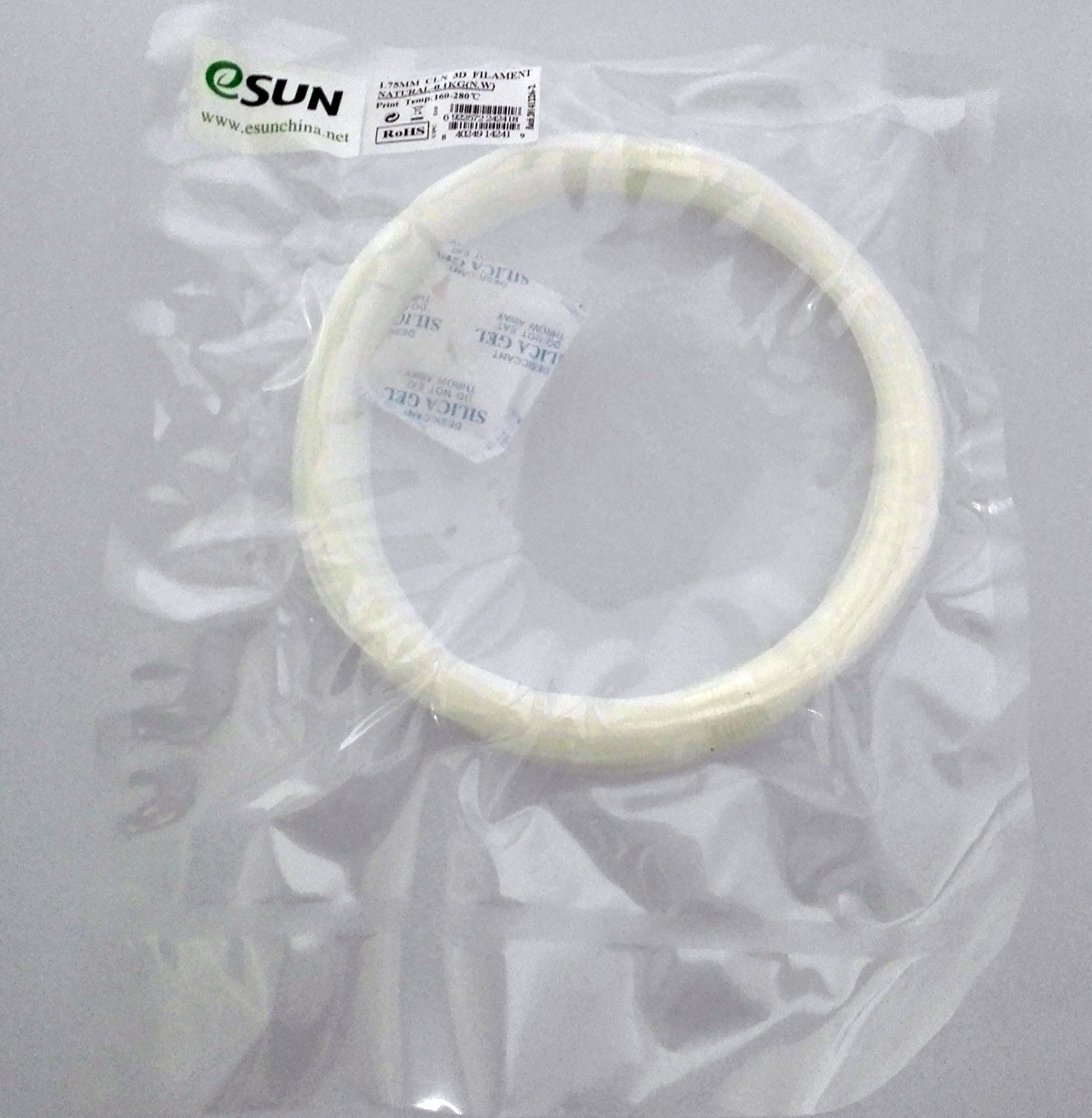
1.75 mm cleaning filament for cold pulls. Check the maker's instructions before use.
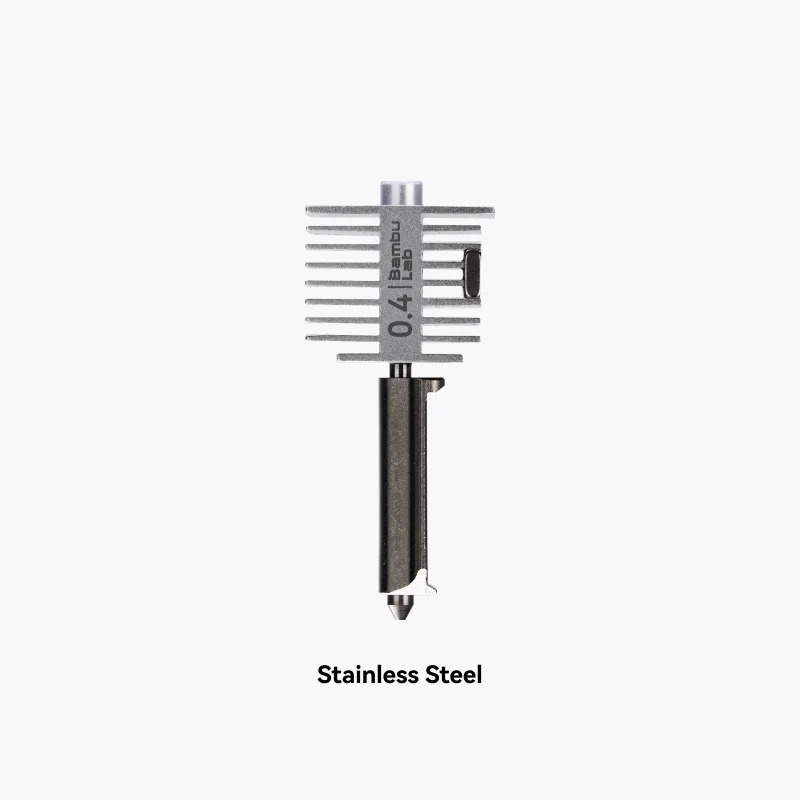
Fits A1 and A1 mini only. Confirm your model.
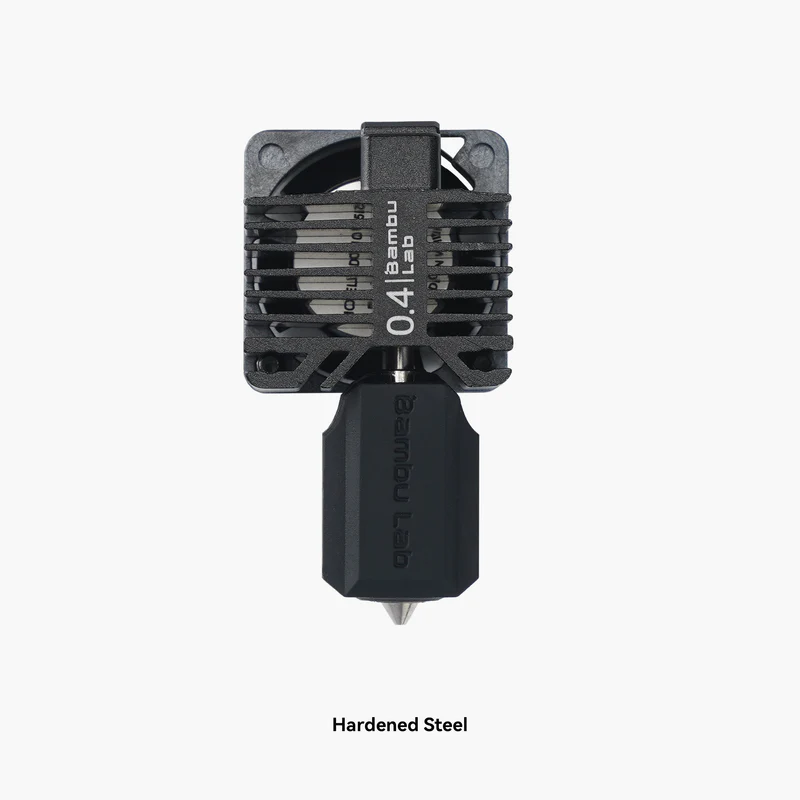
Fits P1P and P1S only. Confirm your model.
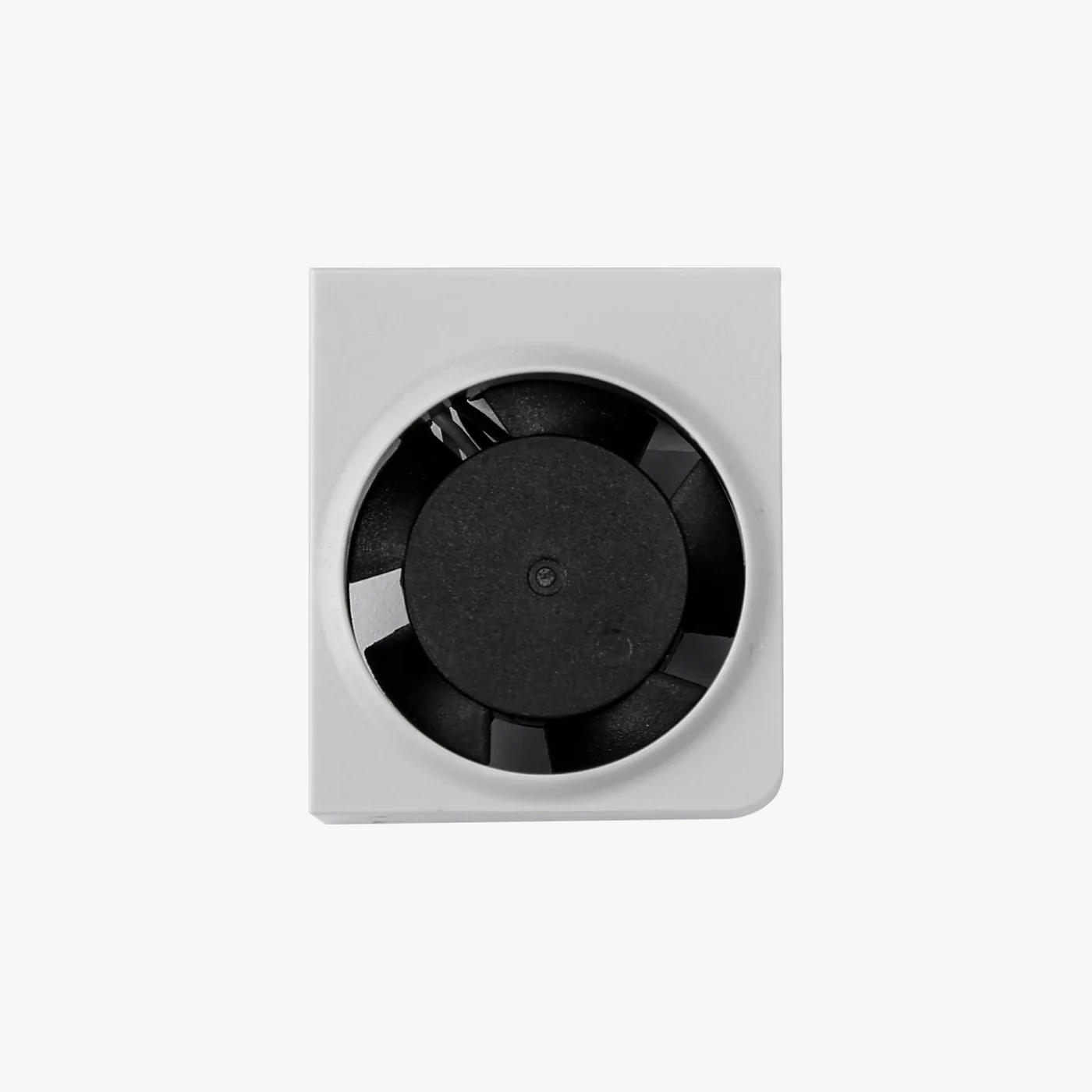
Fits A1 and A1 mini only. Confirm your model.
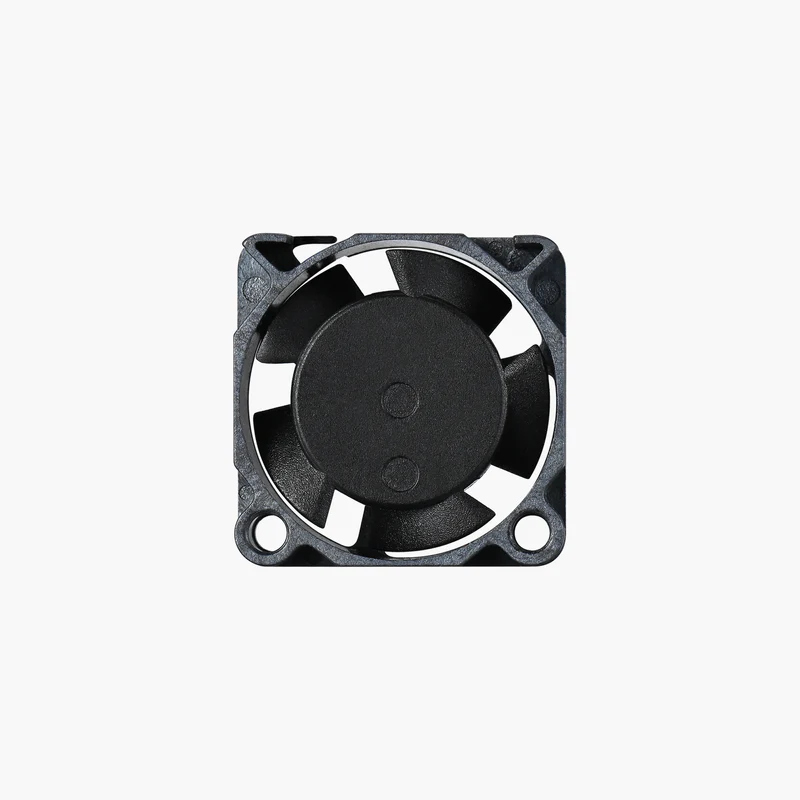
Fits P1 series only. Confirm your model.
Still stuck? Talk to us
Send the details above through our contact page and our technical team will work out the next step with you, whether that is a part in the post or a repair at our workshop. You can also read about our services and training options.
This is general troubleshooting guidance based on faults we have seen. It is not a substitute for the official documentation for your model, which always takes precedence. Parts availability, compatibility and service arrangements are confirmed case by case.